The last trade tells you what someone paid. It does not tell you what is waiting behind it - the size queued at every price level, on both sides, before the next trade prints. That is what the order book shows. And that distinction matters more than most price-based tools acknowledge.
What L2 depth actually is
A level-two feed is not a record of trades. It is a live snapshot of the queue - every resting bid and ask at every visible price level, updated continuously. When you look at a last-trade price, you see a single data point from the recent past. When you look at the full order book, you see the structure of supply and demand as it stands right now, before anyone acts on it.
Each level in the book shows a price and a quantity. Stacked together, those levels reveal where liquidity is concentrated, where it thins out, and how far a market order would need to travel before it runs out of counterparty.
What imbalance means
Imbalance is what happens when the book is not symmetric. If the bid side carries significantly more size than the ask side at comparable price distances, the queue is telling you something: there is more interest in buying at current levels than in selling. That asymmetry exists in the data before it exists in the price.
That does not make it a guaranteed signal. It makes it an observable fact about the structure of the market at this moment. The price will adjust if and when those orders are hit or cancelled. Imbalance is a read on the queue as it stands - not a prediction, and not a promise.
Why one model is not the right answer
If you apply a single classifier to order-book features and ask it to vote UP or DOWN, you get an answer. You do not know how confident that answer should be, and you have no way to see where the reasoning is uncertain.
Five classifiers, each trained on the same data but using different algorithms and different splits, give you something more useful: a vote. RandomForest, ExtraTrees, AdaBoost, XGBoost, and SVC each arrive at their read independently. When all five agree, the consensus is strong. When they split - three say UP, two say DOWN - the disagreement is itself information. It tells you the signal is ambiguous at this moment, on this asset, against this data. That is not a flaw in the method. That is the method being honest with you.
A single model that gives you a clean arrow has no mechanism for expressing doubt. A multi-model vote surfaces doubt as a structural output.
How AI Full Order Book runs this
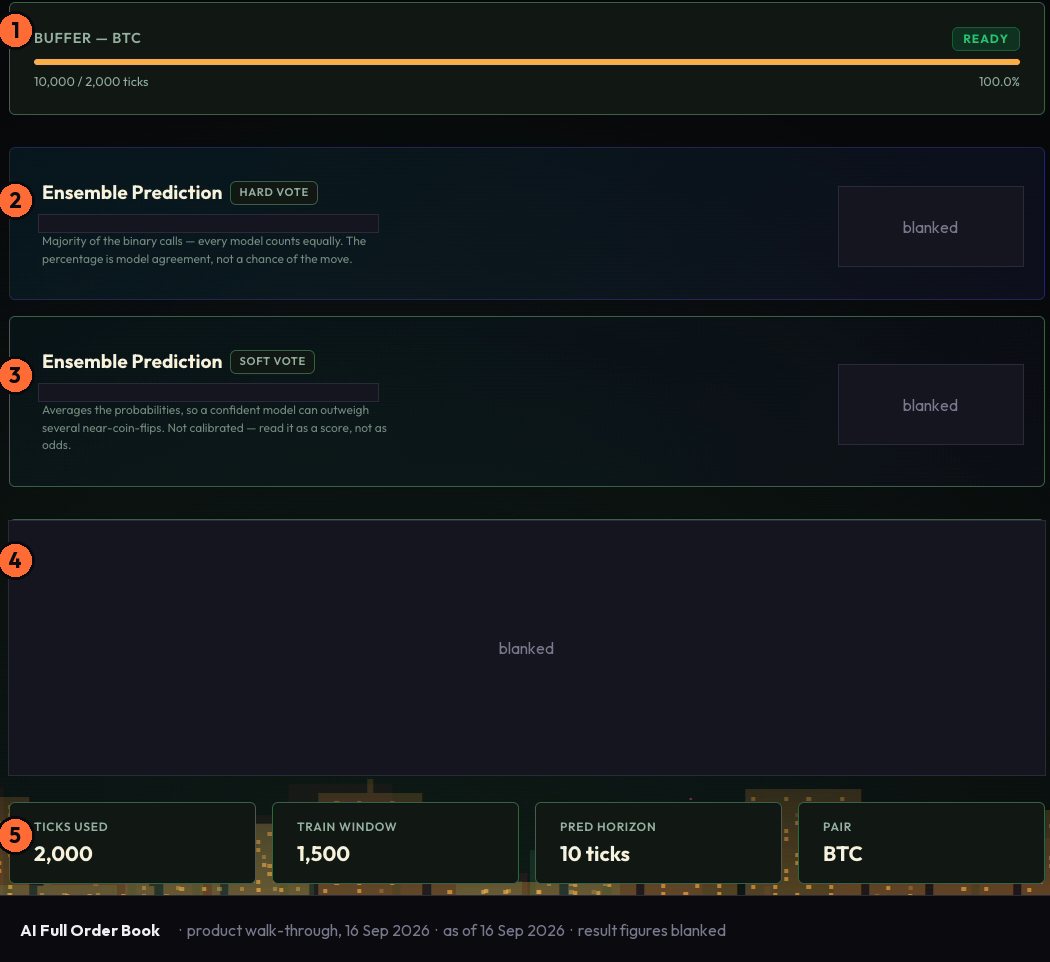
The AI Full Order Book surface on Vulcan Trading applies this approach to live Binance full L2 depth - not mid-price, not last trade, but the complete bid and ask stack at every visible level. The buffer runs continuously. The model retrains on demand per asset rather than carrying a fixed training set across instruments.
The five classifiers named above each cast a vote. The surface shows you each individual read alongside the consensus, so you can see where agreement is strong and where it is not. The output is a directional read with a confidence figure. That figure is a model statistic. It reflects the degree of agreement across the ensemble on this asset at this moment. It is not a probability of profit, and the surface presents it as exactly that.
The in-product description reads: "our proprietary ML model - multi-model directional vote." The surface names its method. It does not name a return.
AI Full Order Book sits in the chapter Vulcan Trading calls "The fastest" - alongside Tick Analysis and Candlestick Forecast. It is a real-time microstructure layer. It operates on the timescale of the book, not the timescale of a trend. The instruments covered are BTC, ETH, XRP, BNB and SOL. The surface is live and available at the Retail tier.
Where to see it
See the book live on Vulcan Trading - free to start. vulcan-trading.ai
#OrderFlow #TradingIntelligence #VulcanTrading